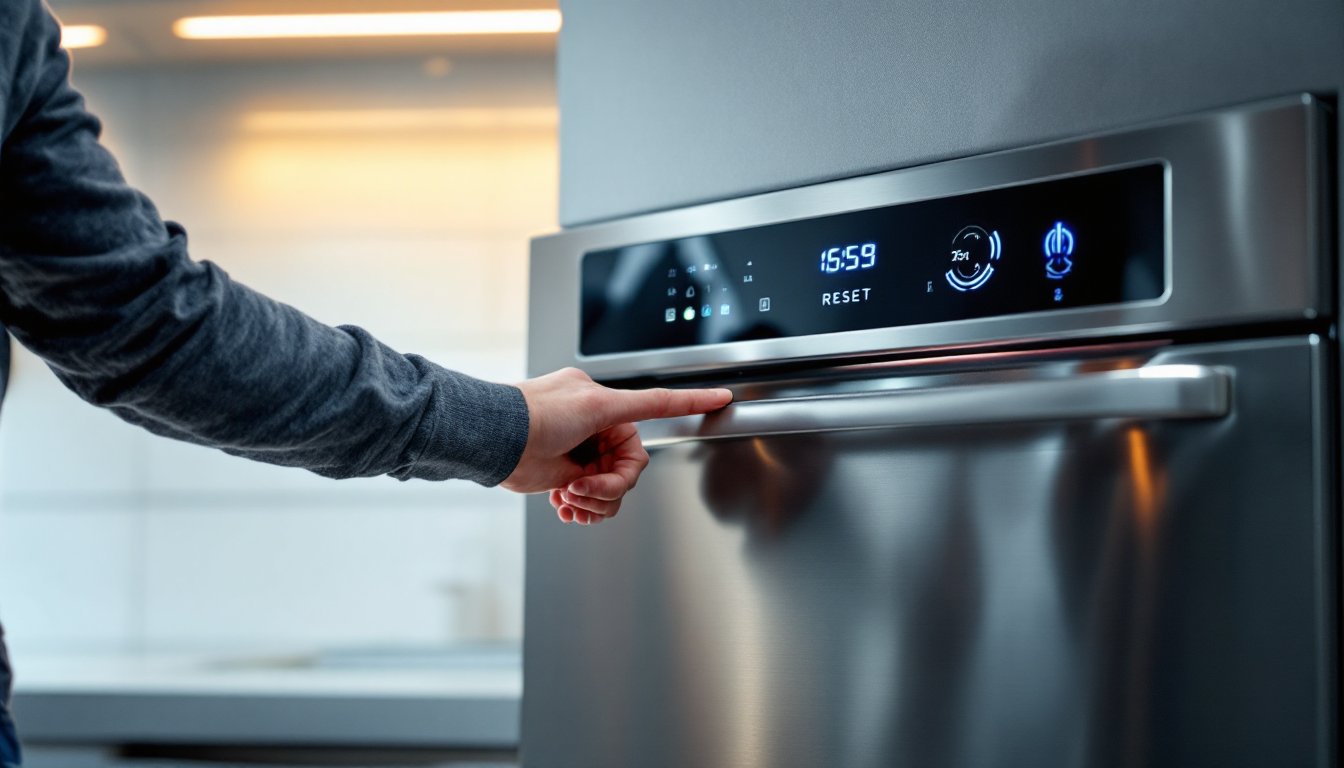
A dishwasher that’s acting up doesn’t always mean you need to call a repair technician. Sometimes the fix is as simple as knowing how to reset your dishwasher. Whether the cycle won’t start, the display is frozen, or error codes keep flashing, a reset can clear glitches and get things running smoothly again. Most modern dishwashers include built-in reset functions that take just minutes to complete. This guide walks you through both soft and hard reset methods, explains why your dishwasher might need one, and tells you when professional help is actually necessary. Let’s get started.
Table of Contents
ToggleKey Takeaways
- Learning how to reset your dishwasher can resolve common issues like frozen displays, error codes, and stuck cycles without requiring a technician visit.
- A soft reset using your control panel or power cycling keeps your saved settings intact, while a hard reset clears all data and returns the dishwasher to factory defaults.
- Power cycle your dishwasher for 5–10 minutes by switching off the circuit breaker, which works especially well when the control panel is unresponsive.
- Test your dishwasher after a reset by running a cycle with white vinegar to clean the interior and confirm everything is functioning properly.
- If error codes persist after resetting or if you notice water leaks, strange noises, or drainage problems, professional repair is necessary as these indicate hardware failures.
Why Your Dishwasher May Need a Reset
Dishwashers are built with electronics that occasionally get confused, just like any appliance. A power surge, interrupted cycle, or minor software glitch can leave your dishwasher stuck in a loop or displaying error codes that seem cryptic. Sometimes the control panel becomes unresponsive, or the cycle won’t advance past the initial fill phase.
Common triggers include sudden power loss, accidentally hitting the door mid-cycle, or a button press that got registered twice. Thermal sensor malfunctions and inlet valve issues can also cause the control board to lock up as a safety feature. The good news: in most cases, these problems resolve with a straightforward reset. Resetting essentially tells the dishwasher’s control board to dump its current instructions and start fresh, much like restarting a frozen computer. It clears temporary memory errors without erasing your saved settings or affecting future operation.
How to Perform a Soft Reset
A soft reset is the gentler approach, you’re telling the dishwasher to restart without cutting power completely. This keeps the control board’s permanent settings intact while clearing stuck processes.
Using the Control Panel
Most modern dishwashers have a dedicated reset button or a key sequence you can use directly on the control panel. Check your owner’s manual for the exact location and method, as these vary by manufacturer. Common options include a “Reset” or “Start/Cancel” button that you hold down for 3 to 5 seconds, or a specific combination like pressing two buttons simultaneously.
On some models, you’ll hold the “Start/Cancel” button until all lights on the display blink or turn off. This typically takes 3 to 10 seconds. Once the lights reset, the dishwasher’s control board has cleared the error and returned to its default state. Your settings, saved cycles, and delay-start features remain intact.
If your dishwasher has a touchscreen display, a soft reset might require holding the reset button or pressing a combination shown in the manual. Avoid jabbing repeatedly, a steady, held press is what triggers the function.
Power Cycling Your Dishwasher
Power cycling is another soft reset method that works on nearly every dishwasher. Turn off the dishwasher using the control panel or power button. If that doesn’t respond, switch off the circuit breaker or power switch that controls the dishwasher. Wait a full 5 to 10 minutes, this gives the control board time to fully discharge and reset its memory.
After waiting, turn the power back on. The dishwasher will boot up as if you’re starting fresh. Lights should flash briefly, and the display will show the default state. You can now try running a new cycle. Power cycling works especially well when the control panel is frozen or unresponsive, and it requires no special knowledge of your specific model.
How to Perform a Hard Reset
A hard reset is a deeper restart that clears more data from the dishwasher’s memory, including any saved settings, delay-start times, or custom cycle preferences. Use this method when a soft reset hasn’t worked or when troubleshooting demands a complete restart.
Start by switching off the circuit breaker or power source to your dishwasher for 10 to 15 minutes. This ensures a complete power discharge. Some technicians recommend holding down the reset button or a combination of buttons while power is off, though this varies by model, check your manual first.
Once the waiting period is over, restore power and immediately access the control panel. On many models, you’ll then hold the reset button or a specific key combination for 10 to 15 seconds while the unit is powered on. The display should flash, beep, or show a reset confirmation. Some dishwashers may cycle through a brief diagnostic routine, which is normal.
After a hard reset, your dishwasher will return to factory default settings. You may need to reprogram any saved cycles, delay-start features, or custom preferences. How to restart dishwasher cycles can also be affected by a hard reset, so be prepared to set them up again if your model supports custom programming.
Troubleshooting After Your Reset
Once you’ve reset your dishwasher, run a test cycle to confirm everything is working. Fill a cup with white vinegar, place it upright in the upper rack, and run a normal or heavy cycle without dishes. This cleans the interior and helps you spot any remaining issues.
If error codes reappear after a reset, write them down exactly as they display. Most manufacturer websites have troubleshooting guides for specific error codes. Common codes relate to water inlet valves, drain pumps, or heating elements, these suggest a hardware problem rather than a software glitch.
If the dishwasher still won’t start its cycle, check the door latch. A faulty door latch prevents the cycle from beginning, and resetting won’t fix a mechanical issue. Inspect it for debris, damage, or misalignment. Clean the latch contacts with a dry cloth and try again.
Listen for water filling sounds during the initial phase. Silence could indicate an inlet valve problem or a kinked inlet hose. Check behind and under the dishwasher for hose pinches or disconnections. If water fills but doesn’t drain, the pump or drain line may be blocked, these issues require professional attention or parts replacement.
When to Call a Professional
Some problems look like reset failures but are actually hardware failures that need professional repair. If your dishwasher displays repeated error codes even after a hard reset, the control board itself may be defective. Replacement control boards aren’t difficult for experienced technicians but require ordering the correct part and careful installation.
Water leaks, burning smells, or strange noises during operation shouldn’t be ignored, stop the cycle immediately and shut off the dishwasher. These signal potential problems with the motor, pump, or electrical components that demand professional diagnosis.
If the dishwasher fills but won’t drain, or drains but won’t fill, a hardware malfunction is likely. Inlet and drain valves cost $100 to $300 in parts and labor, depending on your model and region. Pump failures typically run $200 to $400. These are within the scope of a handy homeowner with electrical knowledge, but if you’re unsure about wiring or component installation, hire a licensed appliance repair technician.
Before calling anyone, document what you’ve tried: soft reset, hard reset, error codes, and observations like sounds or leaks. This information helps technicians diagnose faster and saves you time and money on the service call.