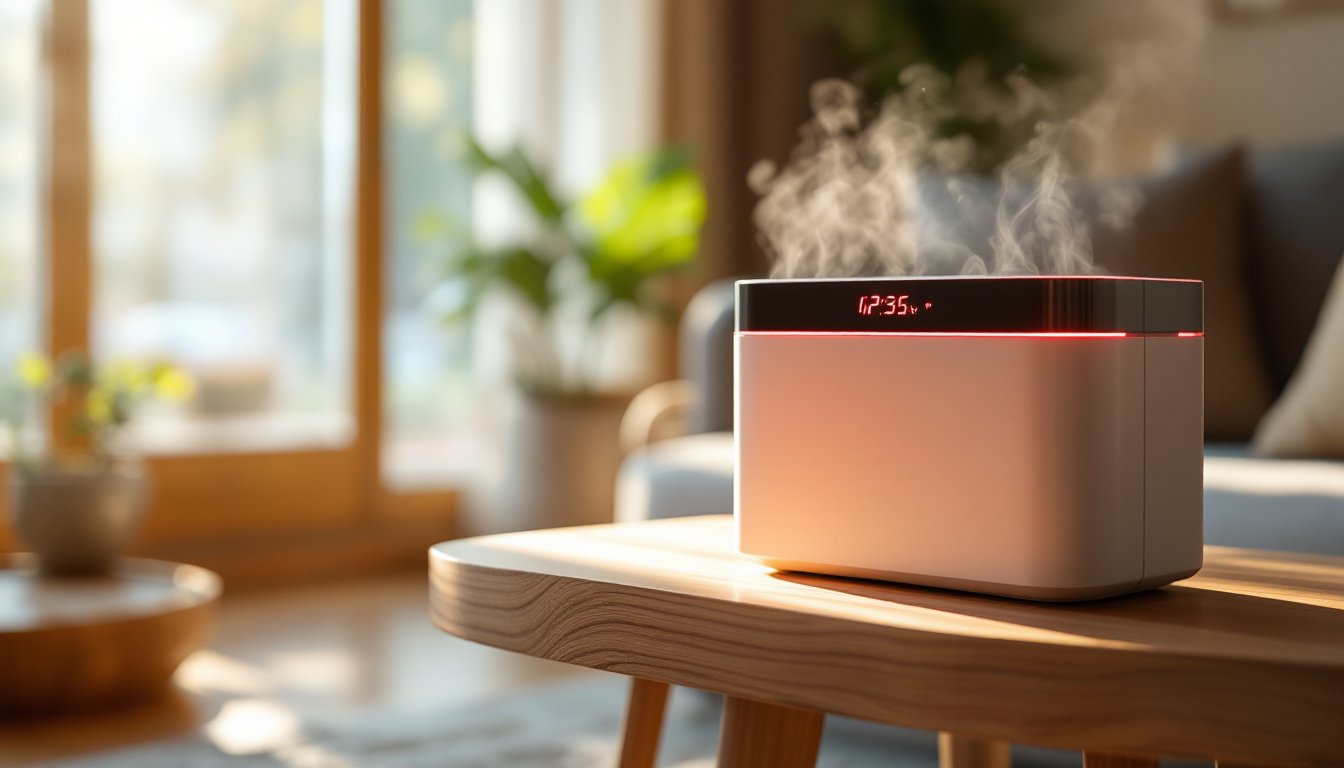
That red light on your AroEve air purifier isn’t there to look intimidating, it’s a diagnostic tool. Just like a check-engine light on a car, it’s telling you something needs attention. Most of the time, it’s one of two things: your filter needs replacing, or the air quality in your space has dropped. The good news? Addressing a red light is straightforward, and once you understand what it means, you’ll keep your purifier running optimally. This guide breaks down what that red light indicates, why it’s on, and exactly how to fix it so you’re breathing cleaner air again.
Table of Contents
ToggleKey Takeaways
- An AroEve air purifier red light indicates either a filter replacement is needed or poor air quality has been detected in your space.
- Most AroEve filters last 6 to 12 months depending on air quality and usage, and a dirty filter significantly reduces the purifier’s effectiveness.
- To clear a red light from a filter issue, turn off the unit, replace the filter with a new one in the correct orientation, and reset the filter indicator if available.
- If air quality is the cause of the red light, run your AroEve at medium or high speed for 20 to 30 minutes to improve the room’s air and clear the alert.
- Prevent frequent red light alerts by tracking your filter replacement schedule, maintaining pre-filter cleanliness, ensuring proper unit placement, and running the purifier consistently.
- A persistent red light even after filter installation usually means the filter is backward or the filter compartment seal is compromised, preventing proper airflow.
Understanding the AroEve Air Purifier Red Light Indicator
Your AroEve air purifier uses color-coded lights to communicate its status at a glance. Most models employ a three-color system: green for good air quality, yellow or orange for moderate quality, and red for either poor air quality or a maintenance issue. The red light specifically signals one of two things: the filter is nearing the end of its life and needs replacement, or the sensor is detecting unhealthy particle levels in your room.
The sensor itself is the device’s brain. It continuously monitors PM2.5 levels, those are fine particulate matter particles smaller than 2.5 micrometers that get deep into your lungs. When the purifier detects sustained levels above its threshold (typically around 35 micrograms per cubic meter for most AroEve units), the red light activates. This isn’t a malfunction: it’s the purifier doing its job and alerting you that conditions need improvement.
Common Reasons Your AroEve Shows a Red Light
Filter Replacement Required
The most common reason for a red light is a dirty or expired filter. AroEve filters last roughly 6 to 12 months depending on your air quality, usage hours, and indoor environment. A filter accumulates dust, pollen, pet dander, and other particles over time. Once it’s saturated, it can’t capture as much pollutant anymore, and the purifier’s sensor triggers the red light as a reminder.
You’ll know a filter is due when the light stays red consistently, especially after the purifier has been running for a typical usage period. Check your purchase date and installation date. If it’s been longer than six months and you live in a high-pollution area, or nine months in average conditions, replacement is likely due. Don’t ignore this signal, a clogged filter doesn’t just activate a light: it reduces the purifier’s effectiveness significantly.
Poor Air Quality Detected
Sometimes the red light isn’t about the filter: it’s about your air. If you recently turned on your purifier in a room with smoke from cooking, a fireplace, or candles, the sensor will detect that spike in PM2.5 and light up red. Similarly, if someone’s been vacuuming, painting, or working with sawdust nearby, the red light is doing exactly what it should, alerting you that the air needs purification.
This type of red light should fade as the purifier runs and clears the air. If you see the red light immediately after cooking or during a dusty activity, that’s normal. Give the unit 30 to 60 minutes of continuous operation to see the light shift back to yellow or green. If it stays red after several hours with no obvious pollution source, then filter replacement becomes your next troubleshooting step.
How to Reset or Clear the Red Light
Clearing a red light depends on what’s causing it. Here’s the practical approach:
If the filter needs replacing:
- Turn off the purifier and unplug it from the wall outlet.
- Locate the filter compartment (usually a side panel or the rear of the unit, check your manual for the exact location).
- Remove the old filter by sliding or twisting it out, depending on your model.
- Note the filter type and dimensions. Most AroEve units use HEPA filters (13 by 13 by 24 centimeters is common, but sizes vary). Keep the model number handy if you need a replacement.
- Insert the new filter in the same orientation as the old one. Arrows on the filter frame show airflow direction, follow them.
- Plug the purifier back in and power it on.
- Reset the filter indicator if your model has a manual reset button (usually on the control panel or app). Hold it for 3 to 5 seconds until you hear a beep or see a light change.
The red light should disappear within seconds to a minute once the new filter is installed and the reset is complete.
If the filter is new but the red light persists:
Check that you’ve installed the filter correctly, backward installation is surprisingly common and prevents proper airflow. Also ensure the filter compartment is fully sealed. Any air leak around the filter bypasses it and makes the sensor think air quality is still poor.
If poor air quality is the issue:
Let the purifier run. A quality air purifier at medium or high speed can noticeably improve a room’s air in 20 to 30 minutes. If you’re in a space with ongoing pollution (cooking, smoking, dust sources), the red light may stay on intermittently, which is the device functioning correctly. Once you’ve addressed the pollution source or the purifier has cycled the air several times, the light should transition to yellow or green.
Maintaining Your AroEve to Avoid Red Light Issues
Prevention beats troubleshooting. Here’s how to keep your AroEve running cleanly and avoid frequent red light alerts:
Track your filter schedule. Write the installation date on a piece of tape and stick it to the filter itself, or set a phone reminder for six months out. Don’t rely on memory. In homes with pets, smokers, or high dust (woodworking areas, for example), plan for filter changes every four to six months instead of twelve.
Pre-filter maintenance. If your AroEve has an external pre-filter or mesh screen, vacuum or rinse it monthly. Pre-filters catch larger particles and extend the life of the main HEPA filter. A blocked pre-filter makes your system work harder and triggers sensors faster.
Keep the unit in the right location. Place your purifier in a central, elevated spot with at least 6 inches of clearance on all sides. Don’t shove it in a corner or against a wall. Restricted airflow makes the sensor think air quality is worse than it is and can cause false red-light alerts.
Check seal integrity. Periodically open the filter compartment and ensure the gasket or seal around the filter area is clean and not cracked. Dust can accumulate there and compromise the seal, forcing the unit to work harder.
Run the purifier consistently. A unit run 8 hours a day in an active household will filter air more effectively than one run sporadically. Consistent operation also gives you a better baseline for when something actually needs attention.
Monitor actual room conditions. If you’re cooking, cleaning with harsh chemicals, or have construction happening nearby, expect the red light. That’s not a failure, it’s validation that your purifier is working. Just plan accordingly.
Conclusion
Your AroEve air purifier’s red light is a helpful alert, not a source of panic. Nine times out of ten, it’s telling you either to replace the filter or that your air temporarily needs more purification. By understanding what the light means, replacing filters on schedule, and maintaining proper clearance and seal integrity, you’ll keep that indicator in the green zone most of the time. When the red does appear, you’ll know exactly what to do.