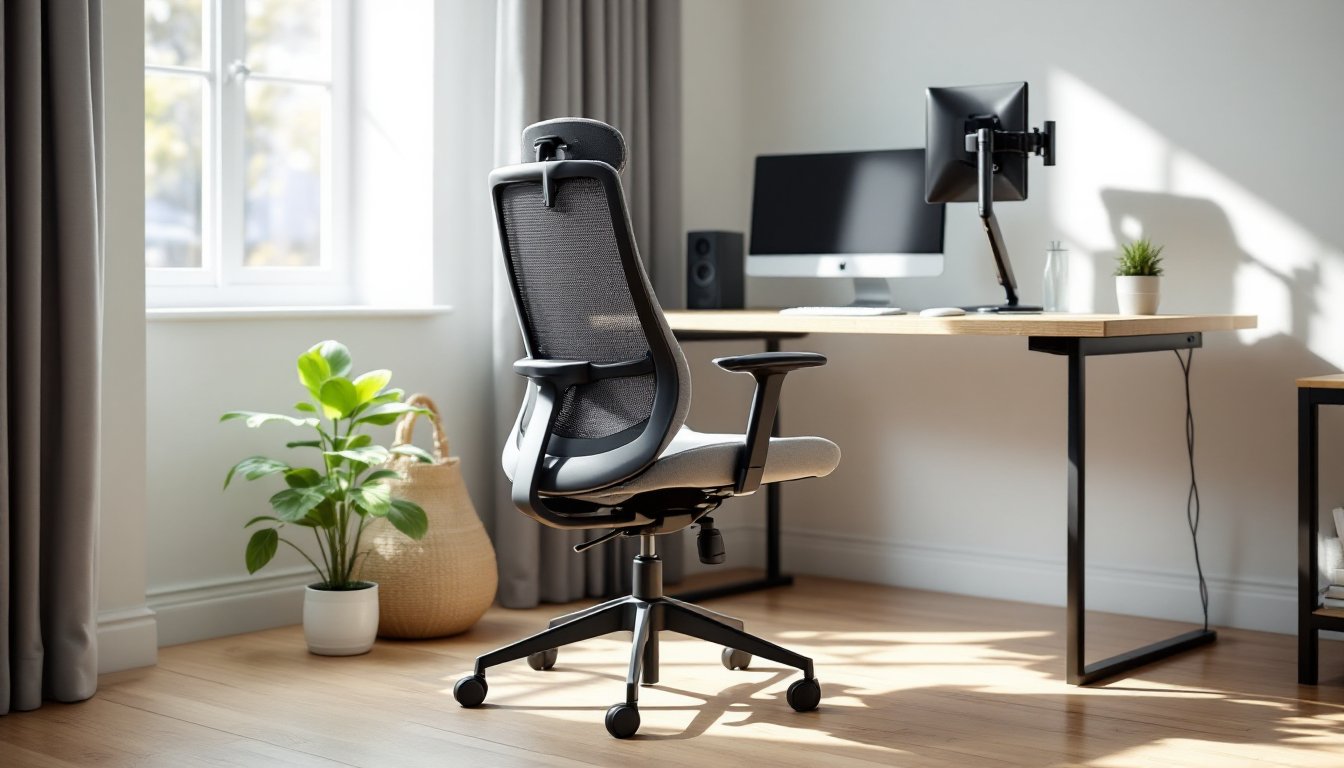
An armless office chair might seem counterintuitive at first glance, don’t arms support comfort? The truth is, not everyone needs them, and many find they’re more in the way than helpful. Whether you’re dealing with a cramped desk, hot-desking situations, or simply prefer unrestricted movement, an office chair with no armrest opens up real possibilities for workspace flexibility. This guide cuts through the noise and walks you through what actually matters when choosing an armless model, how to evaluate ergonomic features without arms, and which setups make the most sense for different work scenarios.
Table of Contents
ToggleKey Takeaways
- An armless office chair improves workspace flexibility by saving valuable desk space and reducing interference during lateral movement, making it ideal for cramped desks, open office layouts, and hot-desking environments.
- Proper ergonomics become critical without armrests—prioritize a seat height that positions feet flat with a 90-degree hip angle, adequate lumbar support, and correct seat depth of 2-3 inches from your knees.
- High-density foam (2.0+ pounds per cubic foot) and breathable mesh or open-weave fabrics extend durability and comfort during eight-hour work shifts.
- An armless office chair typically costs 15-25% less than equivalent models with arms while requiring fewer mechanical parts and less maintenance over time.
- Armless designs work best for collaborative spaces, creative work requiring frequent movement, accessibility needs, and small home offices, but traditional chairs with armrests remain better for jobs involving high-volume typing or arm strain prevention.
What Makes Armless Office Chairs a Smart Choice for Modern Workspaces
Armless office chairs solve real problems that traditional seated furniture doesn’t address. Start with space: a desk with limited width or an open office layout where rows of chairs need to fit becomes instantly more flexible without arms taking up real estate. An ergonomic armless office chair also encourages better posture by forcing more reliance on trunk and core engagement rather than leaning on external supports.
Beyond footprint, armless designs eliminate friction during common work tasks. If you’re drafting, drawing, or moving between multiple monitors, having full lateral movement without arm interference matters more than most people realize. They’re also easier to tuck under desks when not in use, a genuine advantage for home offices that double as other spaces.
The cost factor shouldn’t be ignored either. A quality office chair no armrest typically runs cheaper than equivalent models with arms, sometimes 15 to 25 percent less, because manufacturers skip arm mechanisms and padding. That savings can redirect toward other ergonomic investments, like a proper desk height or monitor arm.
Key Benefits of Going Armless
The practical advantages pile up once you commit to an armless setup. Full freedom of movement stands first: no bumping elbows, no restrictions when reaching for equipment or supplies. For people working at standing desks part-time or rotating between sitting and standing, armless chairs are genuinely easier to move in and out of work zones.
A second benefit is accessibility. Armless designs work better for users with mobility challenges, shoulder issues, or atypical body types who find standard arm heights or widths problematic. Elderly workers or those with arthritis often prefer them because they reduce joint stress during transitions.
Cost efficiency rounds out the core list. An armless office chair represents straightforward construction, fewer moving parts mean fewer failures. A basic pneumatic cylinder, caster base, and seat pad require minimal maintenance compared to padded armrests with adjustable mechanisms.
Ergonomic Considerations for Armless Models
Without armrests, proper seat height becomes non-negotiable. Your feet should sit flat on the floor with thighs parallel to the ground, aim for a 90-degree hip and knee angle. The seat itself needs adequate lumbar support because arms can’t partially compensate for weak backing. Look for chairs with pronounced lumbar curves that match your spine’s natural S-bend.
Seat depth matters more than people expect. An armless office chair should position your back against the backrest while leaving two to three inches between the edge and your knees. Too deep, and you can’t use the lumbar support effectively. Too shallow, and you lose stability and support during long sessions.
Height adjustability via a pneumatic cylinder (the standard gas-lift mechanism) is essential. A good range is 17 to 21 inches from floor to seat surface, which accommodates most adult heights. Swivel capability and caster wheels round out the functional requirements, fixed armless chairs are workout stations, not office seats.
Essential Features to Look For
When evaluating an armless office chair, prioritize the seat pan’s construction. High-density foam (2.0+ pounds per cubic foot density) resists sagging better than lower grades. Fabric should be breathable, mesh or open-weave textiles prevent heat buildup during eight-hour shifts, while leather or vinyl works for cooler environments but can feel sticky in summer.
The backrest deserves equal attention. Taller backrests (24 inches or more) support the full spine, while shorter versions suit people who prefer minimal constraint. Mid-height backing (18 to 22 inches) hits a practical middle ground for most workstations. Check that the curve matches your lower back: too flat and you’re unsupported, too aggressive and your upper spine feels forced.
Base stability directly affects daily safety. A five-point base (star configuration) is standard for office chairs and distributes load evenly. Caster wheels should roll smoothly on your flooring, hardwood needs different wheels than carpet. Test roll-out before purchasing if possible: sticky or noisy casters create frustration fast.
Material and Durability
Material choice influences both comfort and lifespan. Mesh backing breathes well but can sag over time if the support panel isn’t rigid enough. Fabric seat pans (polyester or nylon blends) offer good durability when treated to resist staining. Leather and vinyl last longer in high-use environments but require regular cleaning to prevent buildup.
Base materials matter too. Plastic bases work fine for home offices under 150 pounds, but commercial environments benefit from nylon or metal-reinforced bases. Casters come in hard (for carpet) or soft (for hard floors) variants, mismatching increases friction and wheel damage.
Weight capacity ratings tell the real durability story. Most armless office chairs support 250 to 300 pounds: some rated units go higher. Choosing one with capacity above your actual weight extends component life because hydraulics, casters, and padding don’t operate near their limits. Check the manufacturer’s specification sheet, not marketing claims.
Best Use Cases for Armless Office Chairs
Shared desk environments benefit most from armless designs. Hot-desking setups, where workers rotate through stations, pair perfectly with chairs that store compactly and require zero customization. An office chair no armrest fits more people without adjustment hassles.
Small home offices gain obvious advantages: corner desks, alcoves, and compact spare bedrooms benefit from the reduced footprint. If your desk sits against a window or wall, armless seating lets you slide closer and use every inch without angles preventing proper positioning.
Creative and technical work, drafting, design, coding, often calls for frequent position shifts and reaching in multiple directions. An armless office chair accommodates swiveling, leaning, and forward positioning without the frustration of arm interference.
Teaching, tutoring, and collaborative spaces work well too. Instructors moving between student desks, classrooms, and demonstrations need mobility. An ergonomic armless office chair won’t trap you or slow transitions. Call centers and shared workstations see similar benefits when staffing changes throughout the day.
There are exceptions: if you have shoulder, elbow, or wrist issues that benefit from supported arm positioning, a traditional chair with adjustable armrests remains the better choice. Long-duration typing at high volume also favors supported arm angles for reducing repetitive strain. Assess your actual work pattern, don’t assume armless is universally superior just because it’s flexible.
Conclusion
An armless office chair isn’t a compromise or a budget shortcut when chosen thoughtfully, it’s a practical solution for specific workspace needs. The key is matching the chair’s features to your environment: seat height, lumbar support, material durability, and base stability matter more without arms to compensate. Test before buying if possible. Most quality armless models deliver months or years of comfortable, productive work when specs align with your actual desk setup and work style.